
What Should You Look for in an Online Space Booking System
Choosing an online space booking system can seem straightforward. You need customers to see your spaces, check availability and make a booking.
But once you start comparing systems, the differences quickly become apparent.
Some platforms are designed primarily for meeting rooms. Others focus on coworking memberships, event spaces or internal workplace bookings. Some provide a simple calendar, while others manage the entire customer booking journey.
So how do you know what your organisation actually needs?
The best place to start isn't with a list of software features. It's with the way you want your customers and your team to manage bookings.
Here are some of the key things to consider when choosing an online space booking system.
1. Real-Time Availability
One of the biggest advantages of moving bookings online is allowing customers to see when a space is actually available.
Without real-time availability, the process often still relies on:
- Enquiry forms
- Emails
- Phone calls
- Manual calendar checks
- Staff confirming whether a space is free
A good booking system should allow availability to be managed centrally and reflected immediately online.
That means when a booking is made, the available times shown to the next customer are updated automatically.
For organisations managing multiple rooms, locations or types of spaces, this can significantly reduce administration and the risk of double bookings.
2. A Booking Experience That Matches Your Brand
If customers are booking directly from your website, the experience should feel like part of your organisation rather than sending them to an unfamiliar third-party marketplace.
Consider whether the booking system allows you to control things such as:
- Your logo
- Brand colours
- Space descriptions
- Images
- Booking terminology
- Customer communications
A white-label or branded booking experience can help maintain trust and provide customers with a more consistent journey from your main website through to their booking.
3. Flexible Booking Rules
Not every space can be booked in the same way. A small meeting room may be available instantly for one-hour bookings. A community hall may require approval. A training room might only be available during particular hours. Some spaces may require minimum booking periods, setup time between bookings or restrictions on how far in advance somebody can book.
Look for a system that allows booking rules to reflect how your organisation actually operates.
These might include:
- Minimum and maximum booking durations
- Opening hours
- Booking lead times
- Buffer periods between bookings
- Capacity limits
- Different pricing periods
- Approval requirements
- Booking restrictions
The system should adapt to your booking process rather than forcing your organisation to adapt to the software.
4. Online Payments
If customers pay to use your spaces, consider how payments fit into the booking journey.
Can customers pay when they book via credit card?
Can different spaces have different rates?
Can you charge by the hour, half day or full day?
Can additional charges be included?
Can payments be linked directly to the booking?
Can certain customers have discounts automatically applied to their bookings?
Removing manual payment administration can save significant time, particularly for organisations managing a high number of relatively small transactions.
It can also create a much simpler customer experience. Instead of:
Enquire → confirm availability → receive payment instructions → make payment → send confirmation → staff verify payment
the customer may be able to complete the entire process as part of one booking journey.
5. Booking Requests Versus Instant Bookings
Not every organisation wants customers to be able to instantly confirm every booking. And that's perfectly reasonable.
Some spaces require staff to check:
- The purpose of the booking
- Expected attendance
- Bond requirements
- Setup requirements
- Eligibility
- Special conditions
A good space booking system should support the level of control your organisation requires. That might mean some spaces are instantly bookable while others are submitted as booking requests for approval.
The important thing is that the customer still receives a clear and consistent online experience.
6. The Ability to Collect the Information You Need
Different spaces require different information from customers. A meeting room booking may only require basic contact details.
A council or community space may need substantially more information about the booking. Consider whether the system allows you to collect information such as:
- Contact details
- Organisation details
- Number of attendees
- Booking purpose
- Setup requirements
- Catering requirements
- Accessibility requirements
- Bond Payments and Refunds
- Additional notes or documentation
Ideally, this information should form part of the booking record rather than being scattered across emails and attachments.
7. Automated Customer Communications
Customers want to know what is happening with their booking.
Has it been received?
Has it been approved?
Has payment been successful?
Has something changed?
A booking platform should help automate routine communications while still allowing your team to communicate directly with customers when needed.
Depending on your process, this may include:
- Booking confirmations
- Approval notifications
- Payment confirmations
- Reminders
- Cancellation notifications
- Refund communications
Automating these communications doesn't mean removing the human element. It means your team doesn't have to manually send the same administrative messages over and over again.
8. Multiple Spaces and Locations
If you manage more than one space, think beyond what you need today. You may currently have three meeting rooms at one location.
But what happens if you add:
- More rooms
- Another building
- Training facilities
- Desks
- Community spaces
- Different types of spaces
Look at how easily a system can grow with you. Customers should also be able to search and compare spaces without having to understand your internal organisational structure.
9. Pricing Flexibility
Space pricing can quickly become more complicated than simply "$50 per hour". You may have:
- Hourly rates
- Half-day rates
- Full-day rates
- Weekend pricing
- Commercial rates
- Community rates
- Different rates for different spaces
- Additional services or equipment
Before choosing a system, map out your current pricing structure and consider whether the software can support it. It's much easier to identify these requirements before implementation than trying to work around limitations later.
10. Changes, Cancellations and Refunds
Making the original booking is only part of the process. Customers change their minds. Events move. Meetings run longer. Bookings get cancelled.
When evaluating a system, consider what happens after a booking has been created.
Can your team easily:
- Change the date or time?
- Move a booking to another space?
- Update customer information?
- Record a cancellation?
- Manage refunds or credits?
- See a history of what changed?
These operational features often become much more important once the system is being used every day.
11. Reporting and Visibility
Booking software should do more than keep a calendar organised. It should help you understand how your spaces are performing.
Useful questions might include:
- Which spaces are booked most frequently?
- Which spaces have low utilisation?
- What are our busiest booking periods?
- How much booking revenue are we generating?
- How many bookings are being cancelled?
- Where are our customers coming from?
- How are different locations performing?
The information generated through everyday bookings can become valuable operational and management data.
12. Administration Should Be Easy Too
It's natural to focus heavily on the customer booking experience. But somebody within your organisation still needs to manage everything behind the scenes. Before choosing a platform, look at the administration experience as well.
Can your team quickly:
- Find a booking
- See customer information
- Update availability
- Change pricing
- Block out a room
- Manage a cancellation
- Create a booking on behalf of a customer
- Run reports
- Share data with your finance system
A beautiful customer interface isn't particularly helpful if staff need extensive training to perform basic administration.
13. Integration With Your Existing Processes
Very few systems operate entirely on their own. Think about the other tools involved in your booking process. These might include:
- Payment platforms
- Calendars
- Finance systems
- Access control
- CRM systems
- Website platforms
- Reporting tools
Not every organisation needs complex integrations, but it's worth understanding what is available and what might become important in the future.
14. Implementation and Support
Software features are only one part of the decision. Also consider what happens after you've chosen the platform. Who helps configure it?
How are your spaces set up? What happens to existing bookings? How are staff trained? What support is available when somebody has a question?
The right technology with poor implementation can still create a poor outcome. Look for a provider that understands the operational side of space booking, not simply the software itself.
Start With Your Booking Journey
Before comparing systems, map out what you actually want to happen. For example:
Customer searches for a space
↓
Views availability and pricing
↓
Selects a date and time
↓
Provides required information
↓
Pays or submits a booking request
↓
Receives confirmation
↓
Your team manages the booking
↓
Booking information becomes available for reporting
Once you understand that journey, evaluating different platforms becomes much easier. Instead of asking: "What features does this system have?" You can ask: "Can this system support the booking experience we want to provide?"
A Simple Space Booking System Checklist
When comparing online space booking platforms, consider whether you need:
- Real-time availability
- Online bookings
- Booking requests and approvals
- Online payments
- Flexible pricing
- Custom booking rules
- Branded customer experience
- Multiple spaces and locations
- Customer information capture
- Automated communications
- Changes and cancellations
- Refund management
- Reporting
- Calendar integration
- Administrative booking tools
- User permissions
- Integration capabilities
- Implementation support
- Training
- Ongoing customer support
You may not need every item on the list. What matters is identifying which ones are essential for your organisation before choosing a platform.
Choosing the Right System
The best space booking system isn't necessarily the one with the longest feature list. It's the one that makes booking easier for your customers while reducing the administration required from your team.
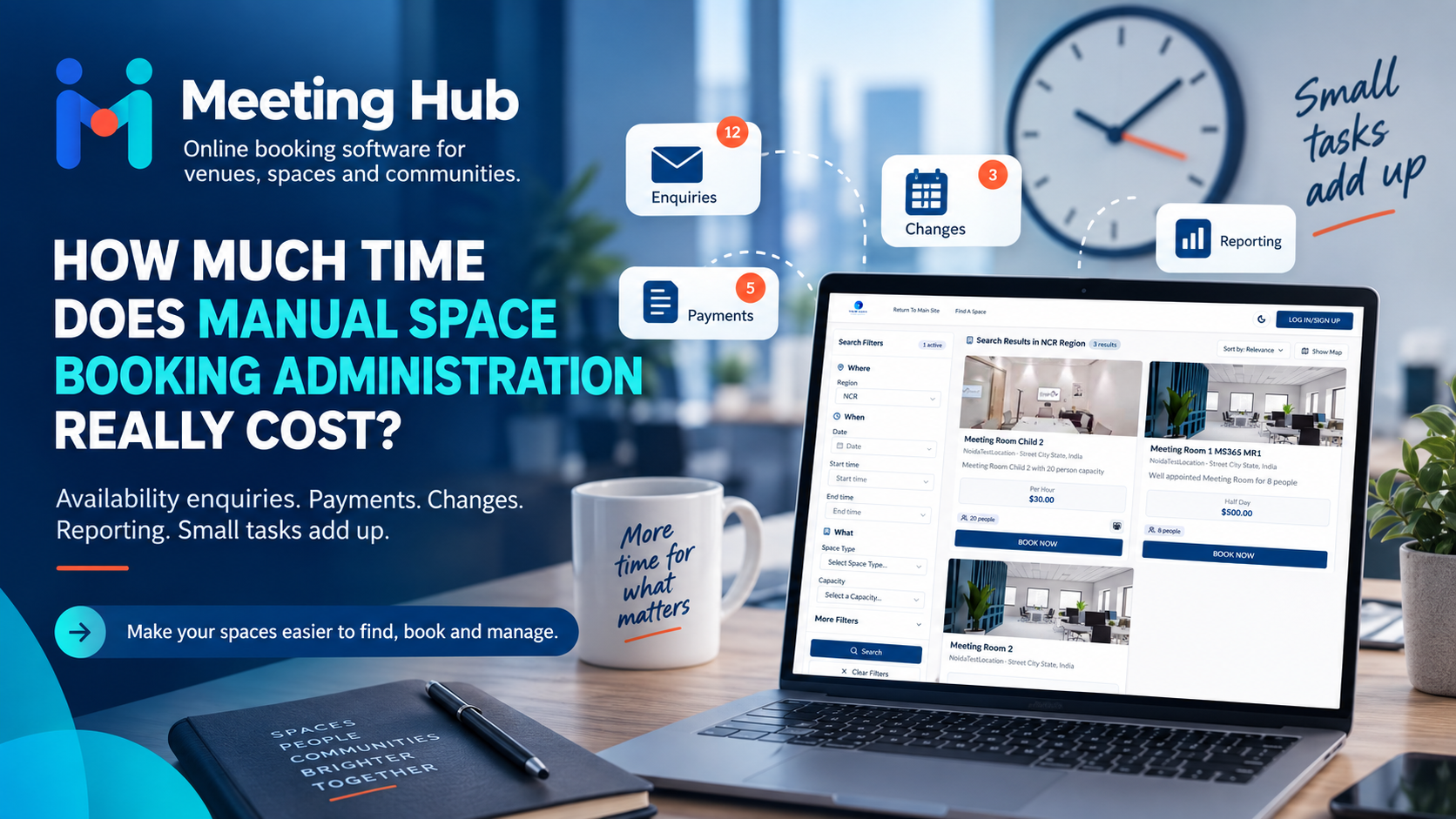
Meeting Hub provides organisations with a branded online booking experience for meeting rooms, coworking spaces, training facilities, community spaces and other bookable spaces.
Customers can search spaces, view real-time availability and complete their booking journey online, while organisations retain control over availability, booking rules, payments, communications and administration.
The goal is simple:
Make your spaces easier to find, easier to book and easier to manage.